
Maker field guide
Choose the right NFC tag
Start with the chip, antenna and material that fit the object—not the other way around.
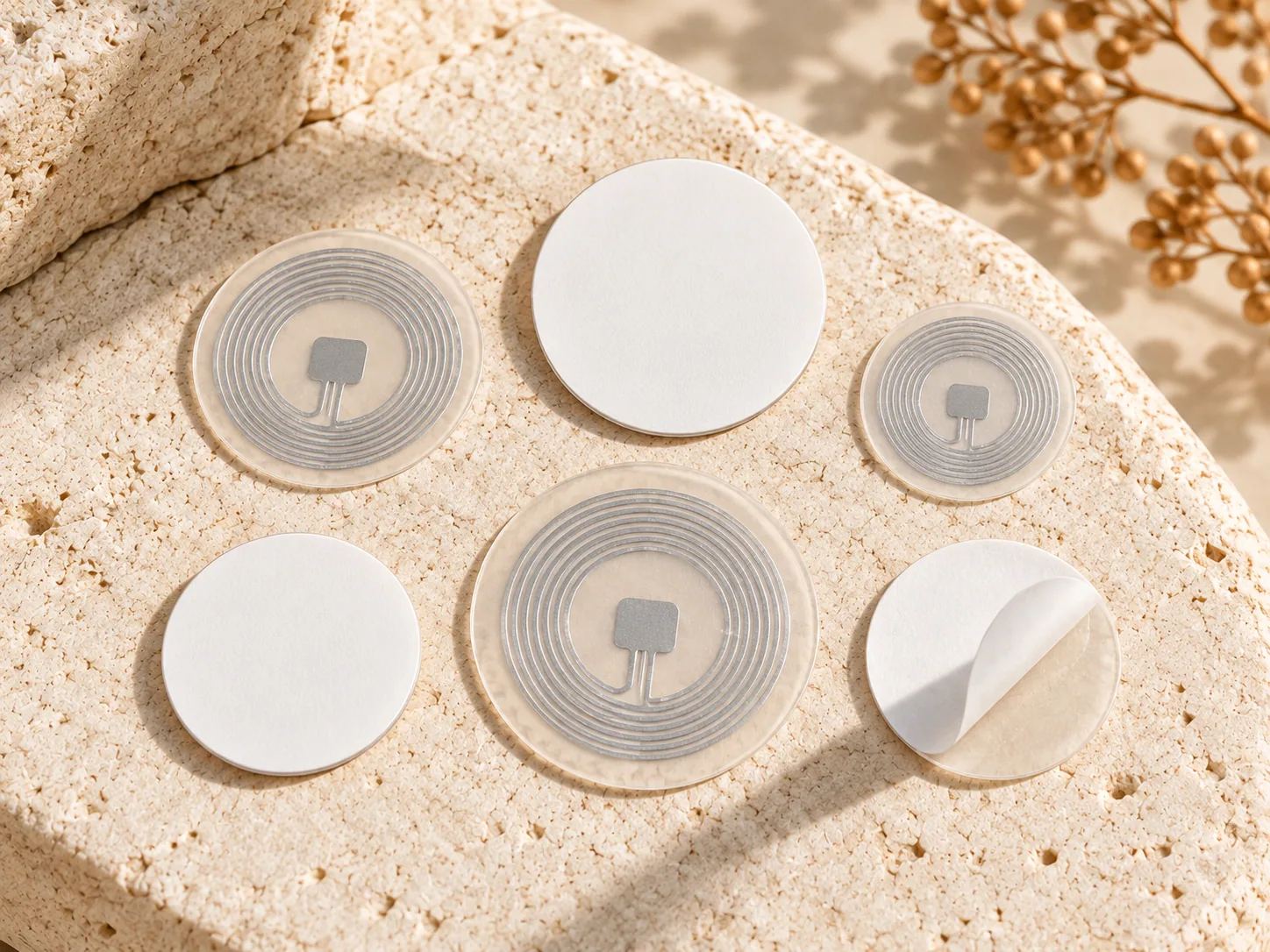
The short answer
For most Maker NFC products, a genuine NTAG213 tag is the best starting point. The platform writes a short Item URL, so the 144-byte user memory is normally ample while the tag remains widely compatible and inexpensive.
Choose NTAG215 or NTAG216 only when another use case genuinely needs more memory. More memory does not automatically improve scan range—the antenna size, materials and placement usually matter more.
NTAG213, 215 or 216?
| Chip | User memory | Best fit |
|---|---|---|
| NTAG213 | 144 bytes | Default Maker NFC URLs, cards, tags and packaging |
| NTAG215 | 504 bytes | Projects that also need larger local NDEF records |
| NTAG216 | 888 bytes | Special cases with substantially larger records |
Maker note: Maker NFC stores the permanent Item URL on the tag. Never write the activation key to NFC or QR.
Match the tag to the object
- Use a 22–25 mm round inlay for a forgiving first prototype and stronger phone alignment.
- Prototype smaller antennas before committing to an enclosure; compact tags can reduce practical read distance.
- Standard inlays do not work directly on metal. Use an on-metal tag with a ferrite layer or create enough tested separation.
- For outdoor, washable or high-wear products, select a protected tag rated for the expected water, heat and abrasion.
- Test through the final wall thickness, adhesive, paint and packaging—not only with a bare tag on the bench.
Where to buy
Use suppliers that identify the chip manufacturer, antenna dimensions, material stack and metal compatibility. Avoid listings that say only “NFC compatible” without a real datasheet. Prices, availability, VAT and shipping change, so check the linked supplier before ordering a production quantity.